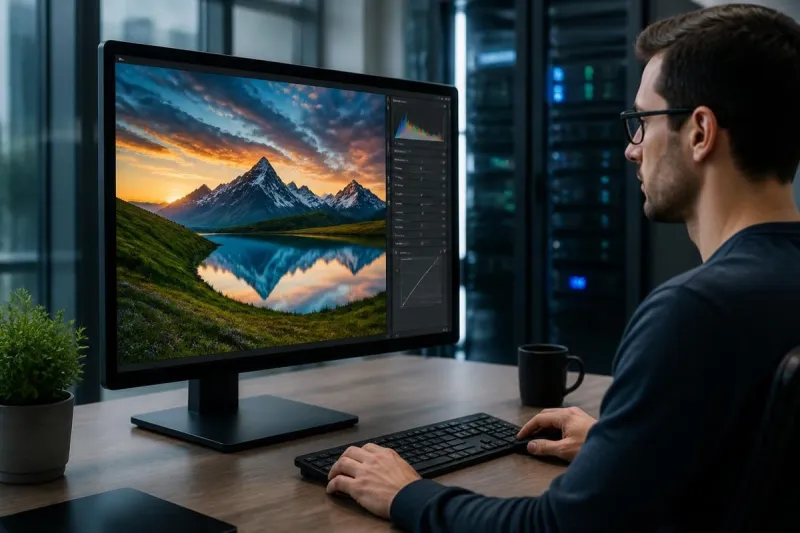
Achieve Realistic Photo with AI and Manual Retouching
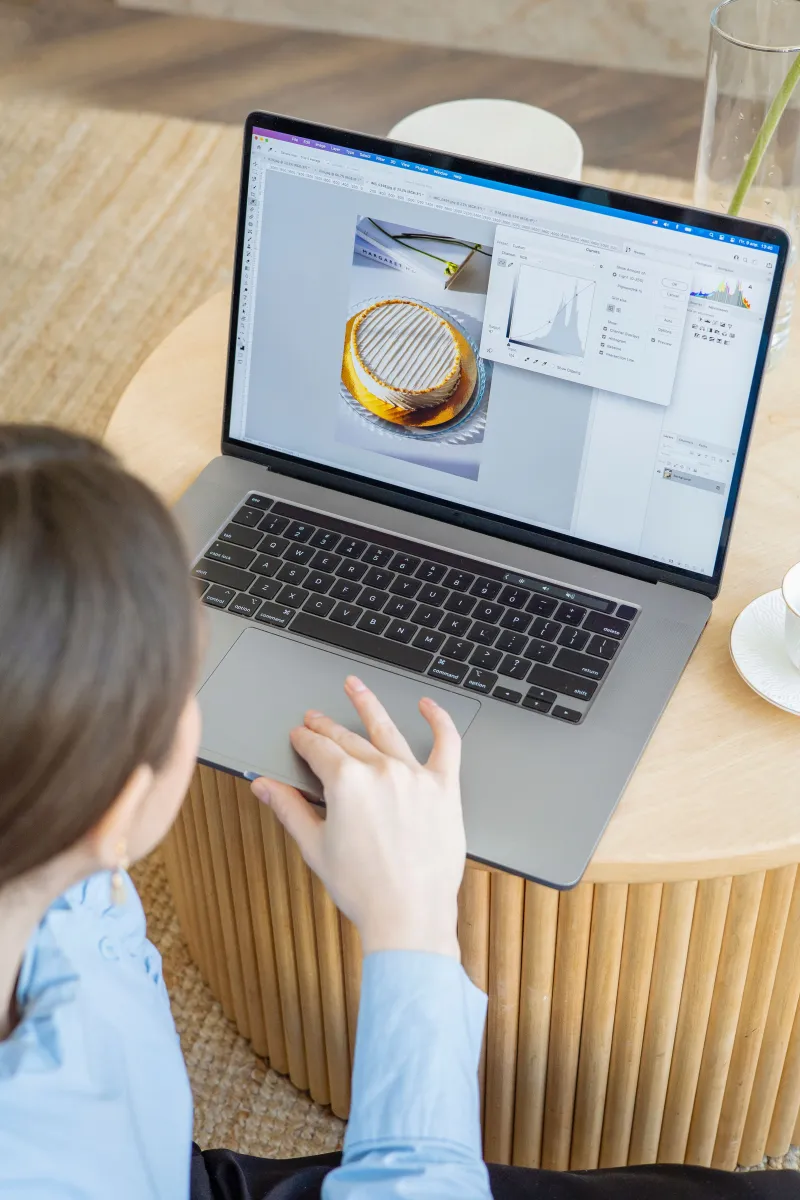
Achieve realistic photo is something every photographer aims for, but it can be tricky. With so many editing tools available, it’s easy to overdo adjustments and make images look artificial. That’s where combining AI and manual retouching helps. AI tools can quickly handle tasks like color correction, background cleanup, or exposure fixes, saving a lot of time. Manual retouching allows for precise adjustments that preserve subtle details and the natural feel of a photo. Using both methods together makes your images look polished and professional without losing authenticity.
Finding the right balance between AI and manual work is key to creating photos that feel real and inviting. While AI handles repetitive or simple edits fast, manual retouching make sure that skin tones, shadows, and textures look just right. Even small adjustments, like smoothing highlights or fine-tuning colors, can make a big difference in maintaining a natural appearance. Photographers of all levels can benefit from combining these approaches to save time and improve quality. In this guide, we’ll explore how to use AI and manual editing together so your photos look their best while keeping that natural touch.
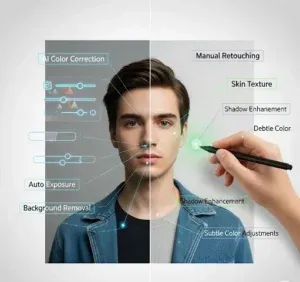
Role of AI and Manual Retouching in Achieving Realistic Photo
AI and manual retouching each bring unique strengths to photo editing. AI tools are designed to handle repetitive tasks quickly, like adjusting exposure, correcting colors, or removing simple background distractions. This speed makes it easier to manage large batches of images without spending hours on each photo. On the other hand, manual retouching allows a human editor to focus on fine details, such as skin texture, lighting balance, and subtle color adjustments.
Combining both methods can give you the efficiency of AI while keeping the personal touch that makes photos look natural and professional. Knowing when and how to use each method is important if you want to achieve realistic photo results. AI works best for tasks that need speed and consistency, while manual editing is stronger for precision and creativity. By combining their strengths, you can achieve realistic photo outcomes that save time, improve quality, and keep your work looking polished.. Here are a few tips to make the most of both:
• Use AI to handle basic corrections and repetitive tasks.
• Rely on manual retouching for delicate details and natural finishes.
• Always review AI-edited photos to make sure that they don’t look over-processed.
• Combine both approaches when you need fast results without sacrificing quality.
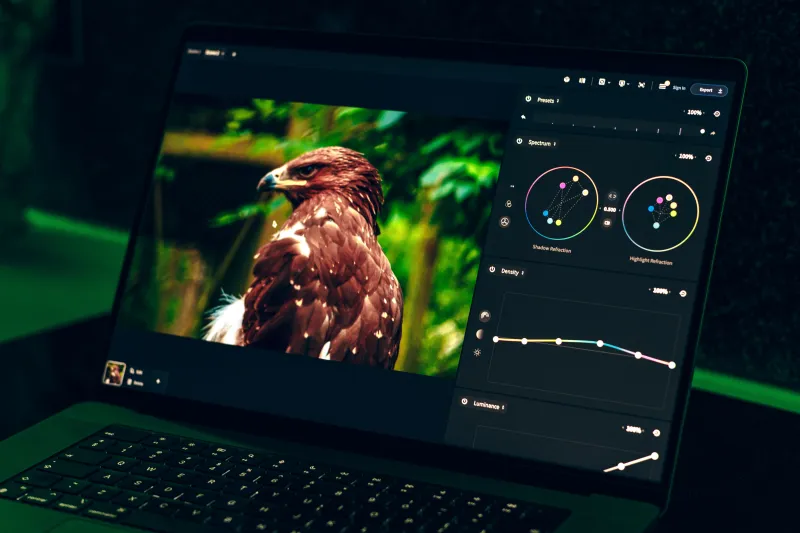
Why AI Photo Editing Is a Great Starting Point
AI photo editing has changed the way photographers edit images by handling repetitive tasks in just a few seconds. It can automatically adjust exposure, improve white balance, reduce noise, enhance colors, and remove simple distractions. This gives photographers a clean and balanced image to work with before making detailed adjustments. Instead of spending hours on basic corrections, AI creates a solid foundation that speeds up the entire editing process. However, AI works best as an assistant rather than a complete replacement for human creativity and judgment.
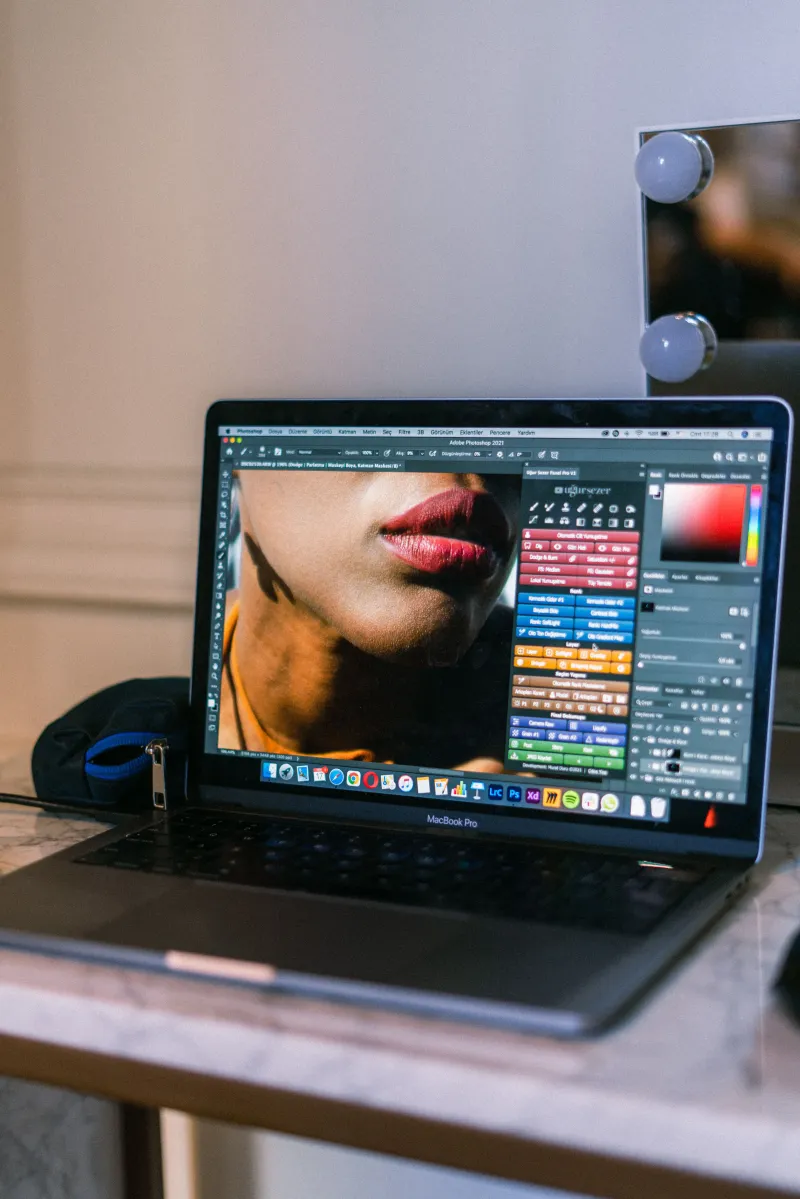
Finding the Perfect Balance Between AI and Human Editing
The secret to realistic photo editing is knowing when to let AI work and when to switch to manual adjustments. AI should handle repetitive corrections such as exposure balancing, noise reduction, and background cleanup, while manual editing should focus on creative decisions and fine details. Avoid relying entirely on AI because excessive automation can produce overly smooth skin, unnatural colors, or unrealistic lighting. Combining both methods ensures your photos remain authentic while still looking polished and professional.